Why Getting a Digital Wallet is a Smart Financial Move
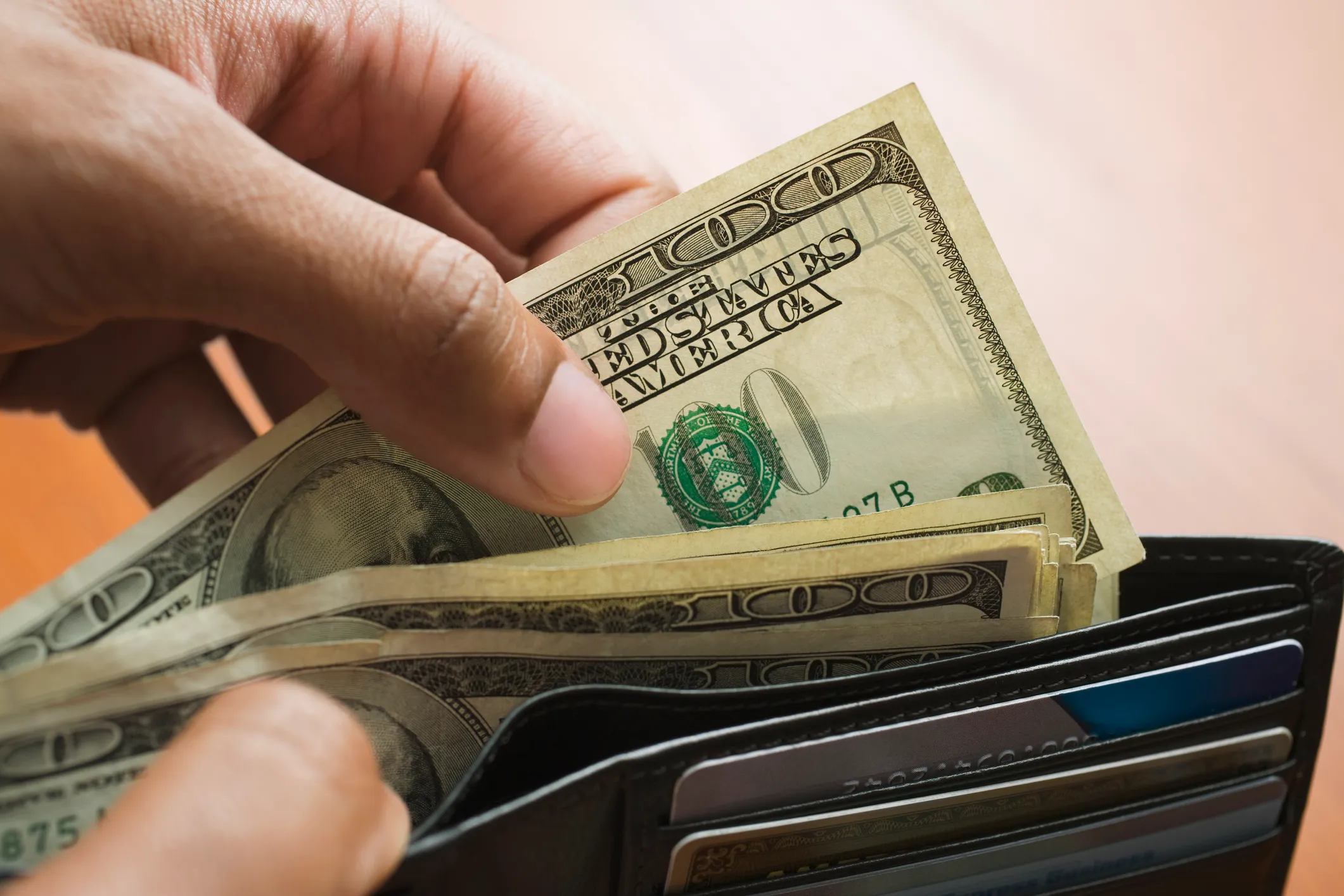
Wallets have gone through a big change in recent years. Instead of hiding cash and bank cards in a physical wallet, more people pay for products and services with their smartphones.
Using payment services like Apple Pay and Google Pay isn’t easy. They can also offer you more security and encourage you to expand your credit cards.
Pros and cons of digital wallets
Digital wallets use tokenization and encryption to protect your real credit card number from being passed on. This technology offers enhanced security that makes digital cards generally more secure than the chip you’ll find on a physical card (and you don’t have to worry about your wallet being stolen).
As a result, it is challenging for hackers to steal your financial information, even if they can steal your mobile phone.
Gold Offer: Sign up with American Hartford Gold today and get a free investor kit, plus get up to $20,000 in free silver on qualifying purchases.
Digital wallets are also a big hit for people who have multiple credit cards and hope to maximize their rewards on every purchase. Because some cards offer up to 5% cash back on certain categories, it can make sense to use one card for your gas, another for groceries and another for travel bookings. If you use Apple Pay or Google Pay, you no longer have to worry about overloading your wallet with multiple credit cards. You can easily add all these digital cards to your digital wallet and choose which one you would like to use at the time of purchase. Also, you can keep your boarding passes, concert tickets and more easily in the same wallet you keep your credit cards.
But digital wallets come with downsides, too. You must always have your phone with you, and some merchants do not accept digital payments.
More Money: See how you can get up to $1,000 in stocks when you fund a new SoFi investment account
How to make the most of a digital wallet
Start by finding an app that makes sense for you. If you have an iPhone, this is probably Apple Wallet and if you have Android, look for Google Wallet.
Then, add your most used credit cards. You can add more cards later if needed, but you’ll need to select the primary card as the first one that appears when you pull out your phone to pay. This will require providing your bank details, and verification.
Then, add any loyalty cards or membership IDs — like gym memberships — that have a digital option. Depending on the wallet, you may also be able to add gift cards.
The next time you’re at a store that accepts digital payment, choose contactless payment. It’s still a good idea to carry a physical card if you can, because not all stores accept Apple Pay and Google Pay.
Save Smartly: Manage your money with Rocket Money’s budgeting app, one of Money’s favorites